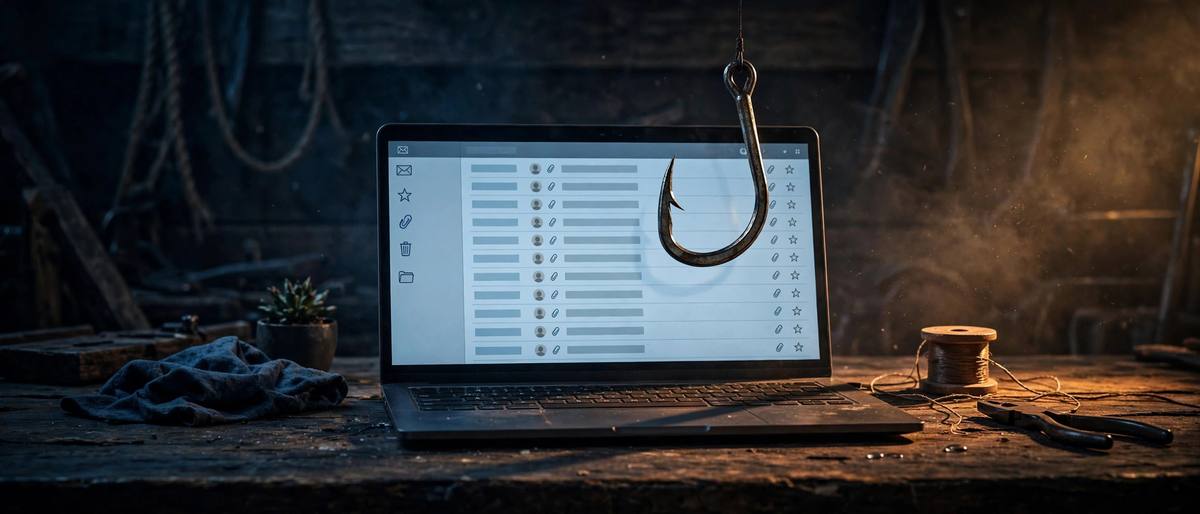
Phishing remains one of the most common ways cybercriminals steal personal information, and phishing attack prevention begins with understanding exactly how these scams work. A phishing attack is a deceptive message — usually an email, text, or social media DM — that pretends to come from a trusted company, government agency, or even someone you know. Its goal is to trick you into clicking a malicious link, downloading a dangerous attachment, or handing over passwords and payment details.
The reason phishing works so well is that it exploits trust and urgency rather than technical weaknesses. Attackers craft messages that look nearly identical to real bank alerts, delivery notifications, or password-reset emails. Many include warnings like “your account will be locked in 24 hours” to push you into acting before you think. According to security researchers, phishing is involved in the vast majority of data breaches, which makes recognizing these attacks one of the most valuable digital skills you can develop.
The good news is that phishing attack prevention is largely a matter of habits, not expensive tools. By learning the warning signs, slowing down before you click, and using a few simple verification techniques, you can dramatically reduce your risk. This guide walks through how phishing attacks operate, the newest tactics scammers use, and the practical steps that keep you and your accounts safe.
- How Phishing Attacks Work
- Common Types of Phishing to Know
- Warning Signs of a Phishing Message
- Practical Phishing Attack Prevention Steps
- What to Do If You Clicked or Replied
- Tools and Settings That Add Protection
How Phishing Attacks Work
Every phishing attack follows a similar playbook, no matter which channel it arrives through. First, the attacker impersonates a sender you trust — a bank, a package carrier, your employer’s IT department, or a streaming service. They copy logos, layout, and tone so the message looks convincing at a glance. Then they create urgency: a suspicious login attempt, an unpaid invoice, a prize you must claim today. Urgency is the engine of phishing because it short-circuits the careful reading that would expose the scam.
The attack itself usually has one of two goals. The first is credential theft: a link leads to a fake login page that captures your username and password as you type them. These pages can be pixel-perfect copies of the real thing, sometimes served from lookalike domains that differ by a single letter. The second goal is malware delivery: an attachment or download link installs malicious software, which may then steal data or lock your files. Both approaches depend on a single click from someone who believes the message is legitimate.
Modern phishing operations have become remarkably sophisticated. Many campaigns now use personal details scraped from social media or previous data breaches, so the message addresses you by name or references a real order. Some attackers even run call centers and follow-up emails to make the fraud feel official. Understanding this professional, organized reality is important: these are not amateur pranks but deliberate criminal operations, which is why phishing attack prevention deserves serious attention.
Common Types of Phishing to Know
The classic email phish is still the most common, but attackers now use every channel available. Smishing uses text messages, often pretending to be delivery updates (“Your package could not be delivered”) with a tracking link. Vishing uses voice calls, including robocalls claiming to be your bank’s fraud department or a government agency. Quishing uses QR codes — on fake parking tickets, restaurant menus, or mailed flyers — that open malicious websites when scanned.
Spear phishing deserves special mention because it targets individuals rather than casting a wide net. An attacker researches a specific person, then sends a personalized message that is far harder to recognize as fake. Business email compromise is a related tactic aimed at workplaces: the scammer impersonates an executive and asks an employee to wire money or buy gift cards urgently. These targeted attacks cause some of the largest financial losses in cybercrime, so healthy skepticism about unusual requests is essential even at work.
- Email phishing: fake alerts, invoices, and password-reset messages.
- Smishing: fraudulent texts about deliveries, bank alerts, or prizes.
- Vishing: voice calls impersonating banks, tech support, or agencies.
- Quishing: malicious QR codes on physical items or in messages.
- Clone phishing: a copy of a real email you received before, with the link swapped for a malicious one.
Warning Signs of a Phishing Message
Spotting phishing gets easier once you know what to look for. Start with the sender: check the actual email address or phone number, not just the display name. Scammers can make the name field say “PayPal,” but the address will be something like paypal-support@random-domain.com. Hover over links (or long-press on mobile) to preview the destination before clicking — if the URL looks strange or doesn’t match the company’s real domain, treat it as suspicious.
Language is another strong signal. Phishing messages often use generic greetings (“Dear Customer”) instead of your name, contain spelling or grammar mistakes, or threaten consequences if you don’t act immediately. Legitimate companies rarely ask you to send sensitive information by email or text, and they almost never pressure you with countdowns and threats. A message that makes you feel panicked is exactly the one you should slow down for.
Also watch for unexpected attachments and odd requests. If you weren’t expecting a document, invoice, or zip file, don’t open it. Be equally wary of requests to verify your account through a provided link rather than the official app or website. When in doubt, open your browser and navigate to the company’s real site yourself — never use the link or phone number in the suspicious message. A strong habit here is to keep your login credentials unique and organized, which is where a password manager guide for tech beginners can help you manage complex passwords safely.
Practical Phishing Attack Prevention Steps
The single most effective phishing attack prevention habit is simple: don’t click — go direct. If an email claims to be from your bank, open the bank’s app or type its address into your browser yourself. This one habit defeats most phishing attacks because it removes the attacker’s link from the equation entirely. The same applies to texts and calls: hang up, then call the company using the number on its official website.
Second, slow down and verify before you act. Attackers count on urgency, so make it a rule to never respond to a financial or account-security request within the first few minutes. Forward suspicious emails to your company’s security team or report them to the relevant authorities. Many email services also let you report phishing with a single click, which helps protect other users too.
Third, treat your personal information as a defense layer. Share less on social media — job titles, travel plans, and pet names all feed more convincing spear-phishing messages. For businesses, employee training makes a measurable difference; even brief, regular awareness sessions can cut click rates significantly. If you run a website yourself, secure foundations matter as well: an SSL certificate for your website reassures visitors they are on your real domain and not a lookalike, which is one piece of a broader anti-phishing posture.
What to Do If You Clicked or Replied
Even careful people get fooled sometimes, so know the recovery steps. If you entered credentials on a fake page, change that password immediately from the real site — and change it everywhere else you reused it. If you downloaded an attachment or clicked a suspicious link, run a full scan with reputable security software; our guide on whether antivirus is still needed can help you decide on the right protection for your setup.
Next, monitor for misuse. Check your bank and credit card statements for unfamiliar charges, and consider placing a fraud alert or credit freeze if financial details were exposed. Many countries offer free breach-notification and identity-protection resources through consumer protection agencies. Report the phishing attempt to the impersonated company and to your email provider — reporting helps get the malicious infrastructure shut down faster.
Finally, turn on two-factor authentication everywhere it is available. Even if a phisher captured your password, a second factor such as an authenticator app or hardware key can block them from getting into your account. This single step converts many phishing successes into failures, which is why security professionals recommend it so strongly.
Tools and Settings That Add Protection
Good habits are the foundation, but tools can catch what you miss. Modern email providers filter most phishing automatically, and enabling the strictest spam and phishing filters in your settings is worth a few minutes. Browsers also include safe-browsing features that warn you about known malicious sites — keep them enabled and keep your browser updated.
Password managers add an underrated anti-phishing benefit: they only autofill your credentials on the real domain you saved them for, so if you’re on a lookalike site, the autofill simply won’t appear — a silent warning that something is off. DNS-based filtering and reputable security software can block malicious links at the network level. No tool is perfect, which is why layers work best: filters catch the obvious, habits catch the clever, and two-factor authentication catches the aftermath. Authoritative guidance on recognizing and reporting phishing is available from the U.S. Cybersecurity and Infrastructure Security Agency at https://www.cisa.gov/, and consumer-focused scam reporting resources are provided by the Federal Trade Commission at https://www.ftc.gov/.