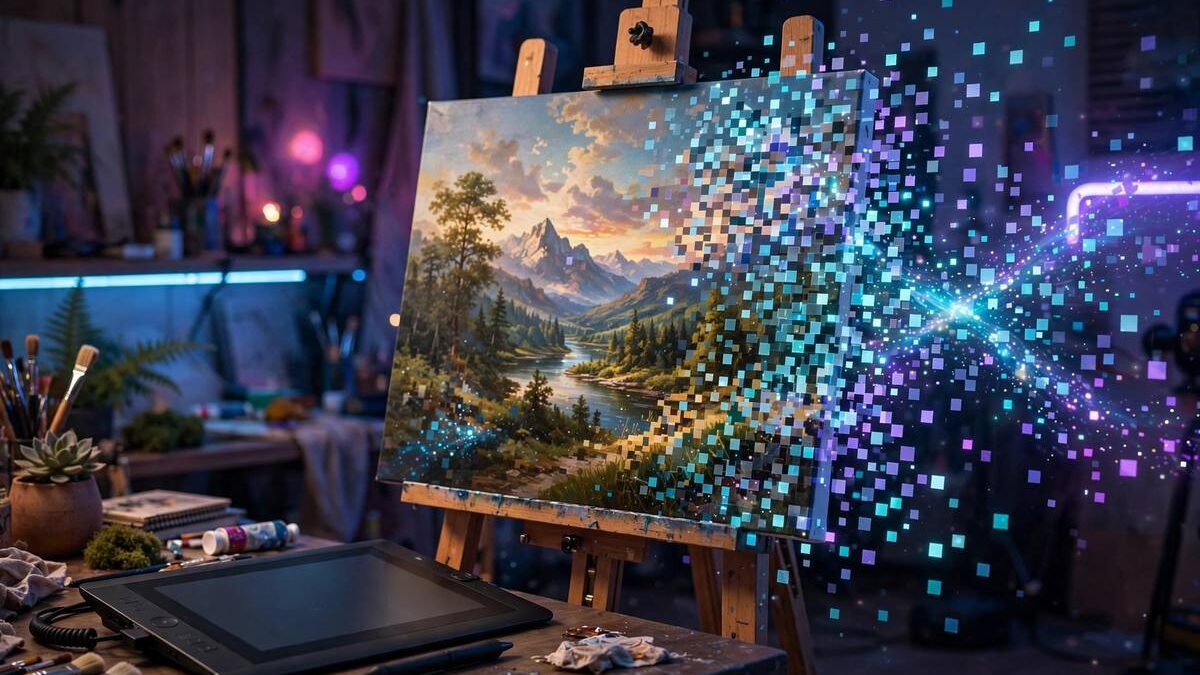
Type “a lighthouse at sunset in watercolor style” and seconds later you have an image that never existed before. AI image generators feel like magic, but underneath they are an elegant application of pattern learning — systems trained on millions of image-text pairs that learned to reverse-engineer pictures from descriptions.
This guide explains how AI image generators work: the diffusion process at their core, what training teaches them, how prompting steers the output, and the practical and ethical realities of using them in 2026.
Whether you want blog illustrations, concept art, or just to understand the technology, the mechanics are more approachable than they first appear.
- The Core Idea: Diffusion Models
- What Training Teaches Them
- Prompting: Steering the Output
- Strengths and Telling Limitations
- Practical Uses in 2026
- Ethics, Copyright, and Honest Use
The Core Idea: Diffusion Models
Modern image generators use diffusion: during training, the system takes real images and gradually adds noise until they become pure static, learning at each step how to reverse the process. Once trained, generation runs that reversal — starting from random noise and progressively “denoising” it into a coherent image guided by your text prompt.
Think of it like a sculptor who learned by watching statues dissolve into marble dust in reverse: given a description, the model chips away noise until the described scene emerges. Early steps establish composition and large shapes; later steps refine textures, lighting, and fine detail. The whole process takes seconds on modern hardware.
Your text prompt steers generation through a linked text-understanding model that maps words to visual concepts. “Watercolor” activates learned patterns of watercolor texture; “lighthouse” activates lighthouse shapes. The better these associations were learned during training, the more faithfully the image matches your description.
What Training Teaches Them
Training pairs images with captions — millions to billions of them — so the model learns which visual patterns correspond to which words. It learns that “golden retriever” looks like a certain dog, that “cinematic lighting” means dramatic shadows, that “isometric” describes a particular perspective. Styles, objects, compositions, and moods all become steerable concepts.
This training is also the source of the technology’s controversies and biases. Models reflect their training data: overrepresented subjects render beautifully, underrepresented ones poorly; artistic styles get absorbed without the original artists’ consent in many datasets. The outputs inherit the internet’s unevenness.
Understanding training explains the failure modes too. The model has no 3D understanding of the world — it learned 2D patterns — which is why hands, text, and complex spatial relationships often go wrong. It is painting plausible pixels, not constructing a scene.
Prompting: Steering the Output
Good prompting is specific and structured: subject first, then details, then style and technical qualities. “A red fox in a snowy forest at dawn, soft natural light, photorealistic, shallow depth of field” gives the model far more to work with than “fox.” Each descriptive phrase activates learned visual patterns that combine in the output.
Learn the vocabulary that works: art styles (watercolor, oil painting, pixel art), photography terms (35mm, bokeh, golden hour), composition cues (wide landscape, close-up, rule of thirds), and quality boosters (detailed, sharp focus). Negative prompts — things to exclude — help with recurring problems like distorted hands or unwanted text.
Iterate relentlessly. Professionals rarely accept the first generation; they refine prompts, try variations (seeds), and generate in batches to select the best. Prompting is a skill that improves fast with practice — save prompts that worked well for reuse.
Strengths and Telling Limitations
Image generators excel at concept art, illustrations, backgrounds, mockups, and creative exploration — anywhere a unique visual is needed fast and perfection is not required. They are extraordinary brainstorming partners: ten visual directions in the time a sketch would take.
The limitations are specific and persistent: rendering legible text (signs, logos, labels) often produces gibberish, hands and complex anatomy glitch, precise layouts are hard to control, and photorealistic faces of real people raise obvious ethical issues. For tasks requiring exact accuracy — technical diagrams, product photos, real likenesses — traditional methods still win.
Hardware matters for local generation: running models on your own machine benefits from a capable GPU, which is one reason creators invest in strong laptops. Our guide to choosing a laptop in 2026 covers what to look for if creative AI work is on your requirements list.
Practical Uses in 2026
Bloggers and small businesses use AI images for featured illustrations, social media graphics, and presentation visuals — unique imagery without stock-photo subscriptions or licensing worries. Marketers generate campaign concepts and ad variations for testing. Authors and game developers prototype characters and settings before commissioning final art.
For photo-adjacent needs, AI complements rather than replaces photography: generate the impossible or the illustrative, photograph the real. And for everyday image tasks — resizing, format conversion, basic enhancement — conventional free tools remain faster; our guide to editing photos with free tools covers those workflows.
Whatever the use, build a simple workflow: generate at adequate resolution, upscale if needed, and keep source prompts filed with final images so you can regenerate variations later.
Ethics, Copyright, and Honest Use
The ethical landscape is still forming. Key questions — whether training on copyrighted images without permission is fair use, who owns AI-generated images, how to handle artist-style imitation — are being litigated and legislated in real time. Rules differ by jurisdiction and are evolving – the U.S. Copyright Office publishes current guidance on AI-generated works – so check the rules for commercial use in your region rather than assuming.
Practical ethics you can apply today: do not generate images mimicking a living artist’s distinctive style for commercial work, disclose AI generation where audiences would care (news, documentary contexts), and never create deceptive imagery of real people or events. The technology’s power makes restraint a professional virtue.
There is also a safety dimension for families: AI makes convincing fake imagery trivially easy to create, raising the stakes for media literacy. Our kids’ online safety guide helps parents navigate a world where seeing is no longer believing. Used thoughtfully, image generators are remarkable creative tools — the responsibility, as always, sits with the human directing them.